
Onvei water leak sensor guide
See where to place the Onvei water leak sensor, how to connect it and how to test its alerts.
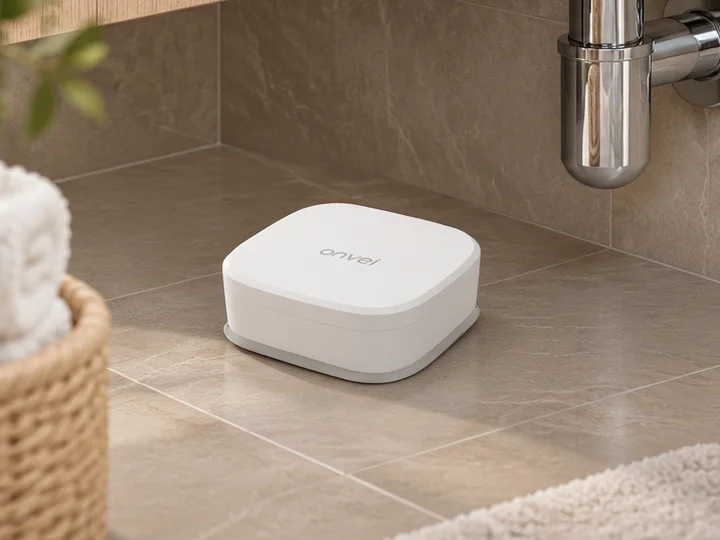
Under a kitchen sink
Place the sensor on the cabinet floor where a drip from the trap or supply valves is likely to collect. Set a phone notification for “Kitchen sink leak.” If it goes off, you’ll know which cabinet to check first.
Beside a washing machine
Place it near the inlet or drain hose, at a reachable spot where escaped water would run. For a shared laundry area, set up alerts for the household members who can check the machine. A notification can prompt someone to stop the cycle and inspect the hoses.
Beside a water heater
Choose a spot near the base or drain pan where a leak would collect. If your system has a compatible motorized water valve, you can build a scene that sends an alert and closes the selected water supply when the sensor detects water. Confirm compatibility and test the scene before relying on it.
Set up and test an alert
Pair the LH-301ZB with the Onvei Multi-Function Gateway and name it for its location in Tuya or Smart Life. Follow the product manual to trigger a test at the installed location. Confirm that the notification names the right location and reaches the intended phone.
Key specifications
| Specification | Value |
|---|---|
| Model | LH-301ZB |
| Water detection threshold | 0.5 mm |
| Protection | IP66 |
| Battery | 1 × CR2032 · 3 V |
| Connectivity | Zigbee 3.0 |
| Operating temperature | 0–45 °C |
| Dimensions | 45.5 × 45.5 × 14.2 mm |