
Onvei Edge smart lighting scenarios
See how to use the Onvei Edge two-gang switch in a living room, hallway or bedroom.
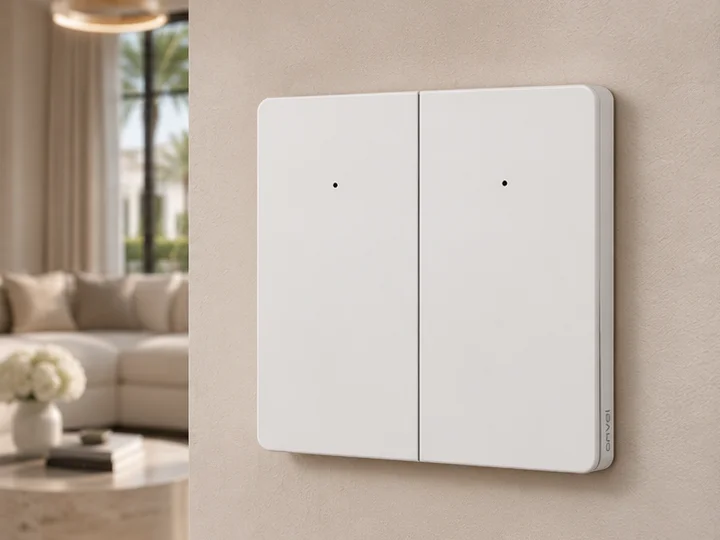
Living room: choose which lights are on
Use one channel for the ceiling fixtures and the other for accent lighting. A movie scene can turn off the ceiling lights and leave the accent circuit on. The two channels switch circuits on or off.
Hallway: schedule evening lighting
Use a schedule to switch the hallway lights on during the hours you normally come home and off later. Check the timing in the app and confirm that the wall buttons still operate the circuits as expected.
Bedroom: turn off both circuits together
Connect the ceiling and bedside lighting to separate channels if the room is wired for two circuits. Create a bedtime scene that switches both off together while each remains individually controllable from the wall.
Check the load and wiring
Six 10 W LED fixtures have a nominal load of 60 W. Calculate each circuit separately because Onvei lists a 300 W LED limit per channel. Have an electrician verify the neutral wire, wall box and LED driver compatibility. Choose the Wi-Fi or Zigbee variant that fits your setup.
Key specifications
| Specification | Value |
|---|---|
| Channels | 2 |
| Supply | 100–240 V AC · 50/60 Hz |
| LED load limit per channel | 300 W |
| Incandescent load limit per channel | 700 W |
| Wiring | L, N → L1 / L2 |
| Dimensions | 86 × 86 × 37 mm |
| Connectivity by variant | Zigbee 3.0 / Wi-Fi 2.4 GHz |